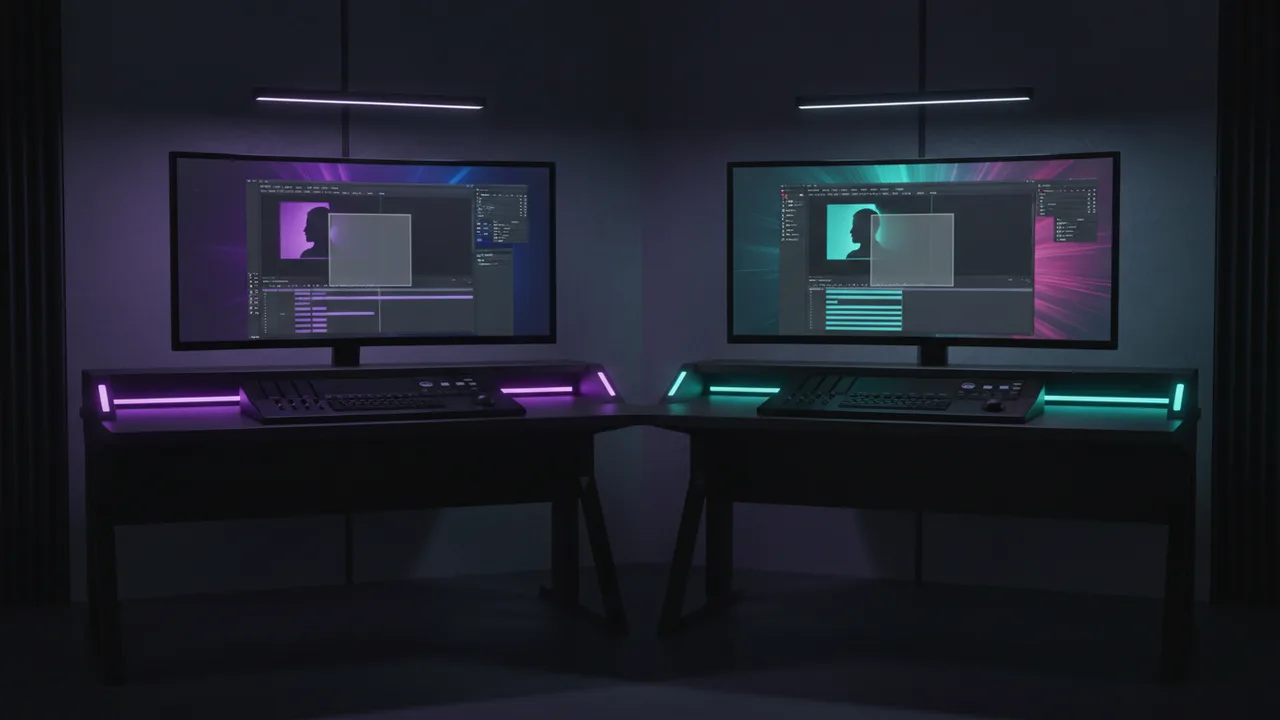
Different jobs, different hosts
After Effects wins for designed social packages, kinetic captions, and motion finishing. Premiere Pro wins for long timelines, multicam, and dialogue cutting. AI plugins should respect that split instead of forcing one app.
Keyweaver AI plugin matrix
| Plugin | After Effects | Premiere Pro | Best for |
|---|---|---|---|
| Cuemark | Yes | No | AI captions as native AE text |
| Trillian | Yes | Yes | AI voiceover |
| Tambourine | Yes | Yes | AI music & SFX |
| Superconductor | Yes | Yes | AI B-roll / plates |
| Ludo | Yes (free) | No | Motion toolkit |
Why shared credits matter
If VO lives in Premiere and captions finish in AE, you do not want two unrelated wallets. Keyweaver Credits are shared across Cuemark, Trillian, Superconductor, and Tambourine. See pricing.
What to install first
- Mostly AE social → Cuemark + Ludo, then Trillian
- Mostly Premiere YouTube → Trillian + Tambourine, then Superconductor
- Hybrid shops → Manager both tabs; same account everywhere