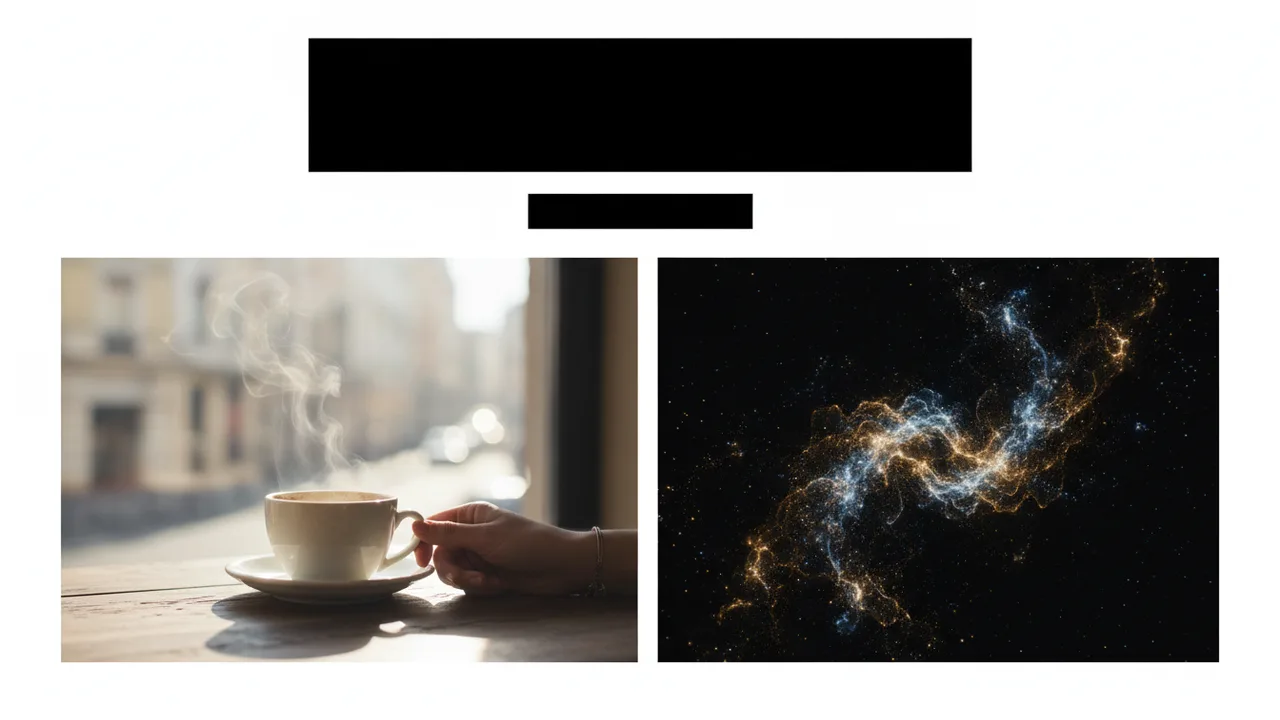
What is B-roll?
B-roll is supplemental footage - cutaways, details, establishing shots, and abstract plates - used over A-roll (primary interview or hero performance). Good B-roll hides jump cuts, adds proof, and sets mood.
Examples editors use daily
- Hands typing while a founder talks
- City establishing shot before a scene
- Product beauty plate under a feature list
- Abstract particles behind a title
Classic ways to get B-roll
- Shoot it on the day (best control).
- License stock.
- Repurpose stills with subtle motion in After Effects.
Faster options in 2026
When you cannot reshoot, editors mix stock with AI B-roll generated inside the NLE. Superconductor lets you prompt short plates in After Effects or Premiere and import them to the timeline. Pair with captions (Cuemark) and VO (Trillian) when the package is a full social cut.
B-roll checklist before you export
- Cutaways cover every jump cut you care about
- Motion direction matches scene energy
- No accidental text/logos in generative plates
- Colour roughly matches A-roll