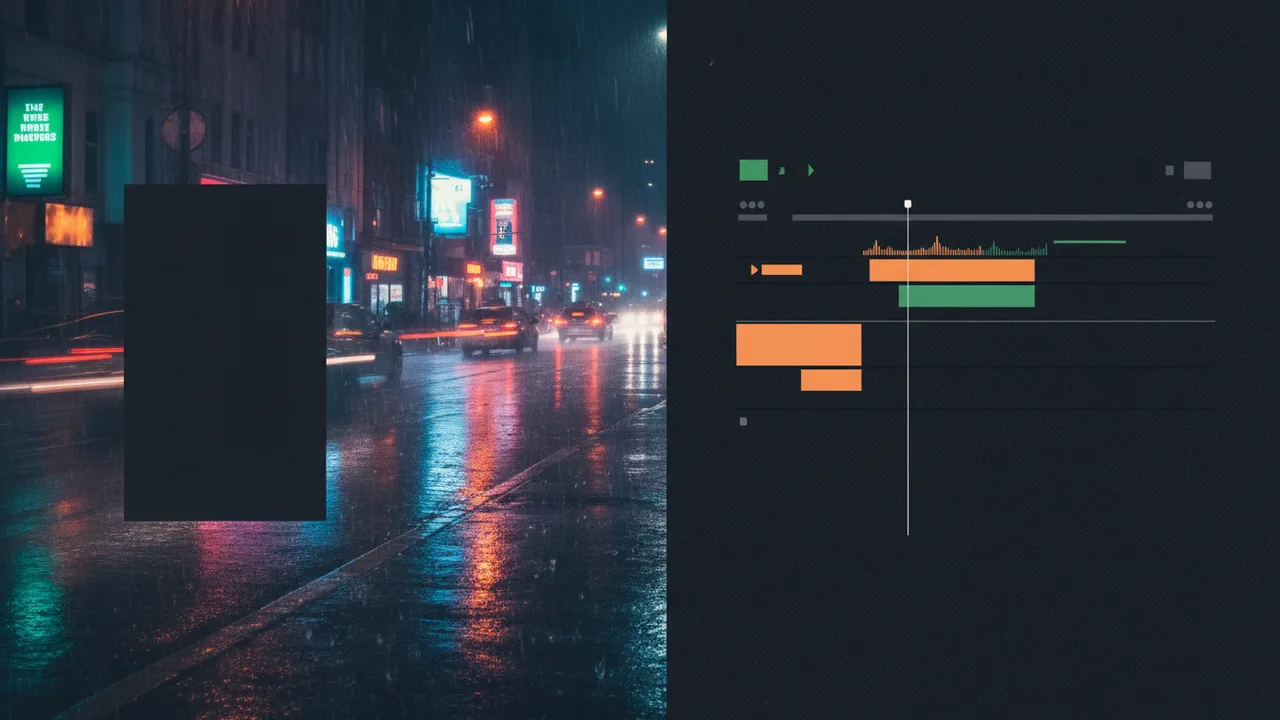
Why generate AI B-roll inside After Effects?
External AI video sites add friction: export prompt → wait → download → import → colour match. An AI B-roll plugin for After Effects keeps aspect ratio, credits, and import in one place. Superconductor does that for AE and Premiere Pro.
Step-by-step: AI B-roll with Superconductor
- Install Superconductor from Keyweaver Manager (After Effects tab).
- Open your edit comp and launch Window → Extensions → Keyweaver - Superconductor.
- Write a prompt, pick aspect (active comp, 16:9, 9:16, 1:1), length, and quality.
- Confirm credit cost → generate → import from the library onto the timeline.
Prompt tips that look like real editorial plates
- Describe camera move (slow dolly, gentle orbit, static with light shift).
- Specify lighting (softbox, neon night, morning window).
- Say no text, no logos when you need clean compositing space.
- Match the grade: "charcoal studio", "warm lifestyle", "cool cyber night".
See live prompt → clip examples on the Superconductor page.
Standard vs Pro (and credits)
Standard is built for quick plates; Pro targets higher-fidelity hero shots. Costs are shown before you generate - start around 8 credits for a Standard 5s 720p path. Full table on pricing.
When stock still wins vs AI B-roll
| Need | Prefer |
|---|---|
| Exact real location / brand-safe documentary footage | Shot or licensed stock |
| Abstract plate, product pedestal, mood cutaway tonight | AI B-roll in-panel |
| Matching active comp aspect quickly | Superconductor active-comp ratio |