· 8 min read · Guides · Voiceover

How to Add Voiceover to a Video Without a Microphone

No mic, no booth, still need narration. Here is a clean way to add AI voiceover to a video in 2026 without pretending it is a human recordist.

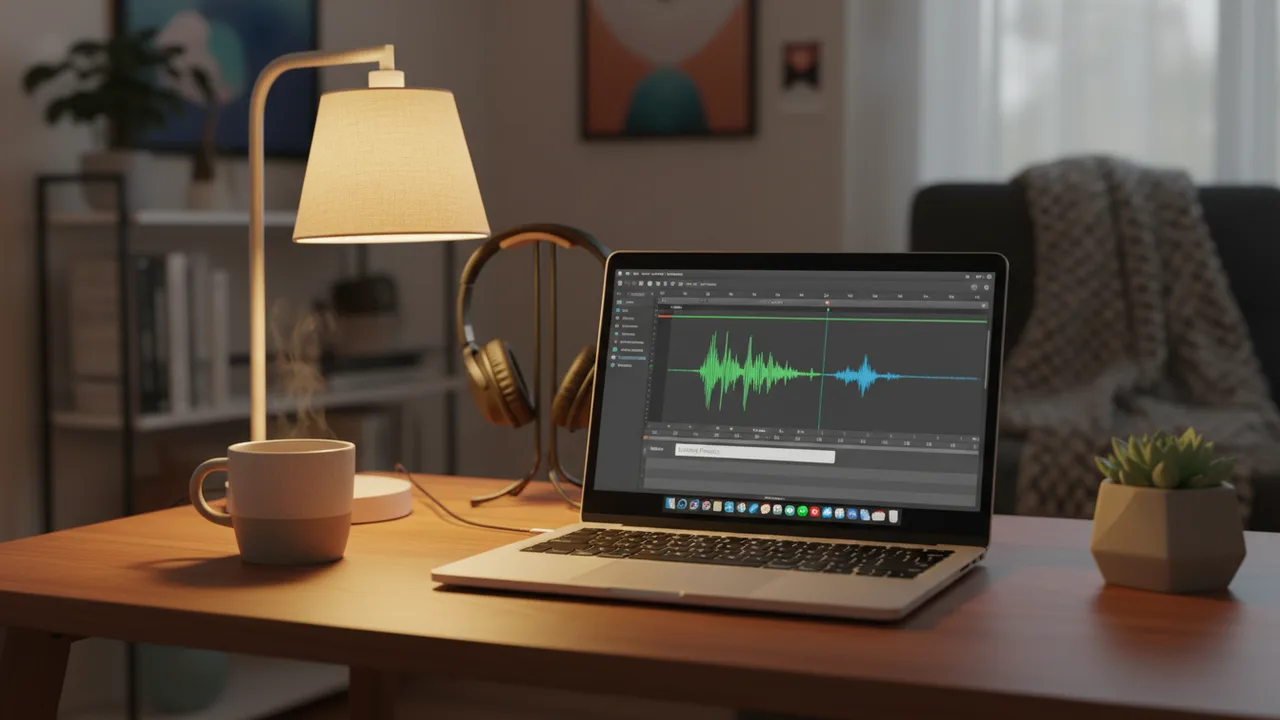
Laptop on a desk generating a narration waveform without a microphone

Your options without a microphone

  1. AI voiceover in your NLE - fastest for drafts and many social videos (Trillian).
  2. Phone voice memos - better than silence; still need cleanup.
  3. Hire remote talent - best for hero brand spots.

This guide focuses on option 1 when you need something shippable today.

Write a speakable script

  • Short sentences. One idea per line.
  • Avoid long URL strings and dense numbers.
  • Read it out loud once - if you stumble, the model will too.

Generate inside After Effects or Premiere

  1. Install Trillian for your host from Keyweaver Manager.
  2. Paste the script, pick a voice, check the credit estimate.
  3. Generate and import audio onto the timeline.
  4. Add captions with Cuemark (AE) if the video is watched muted.

Mix so AI VO feels intentional

  • Leave breathing room - do not wall-to-wall talk over music.
  • Duck beds with Tambourine or your usual track.
  • Keep levels consistent across cuts.

Disclosure and ethics

Follow platform rules and client policies for synthetic media. For many educational and draft uses, AI VO is normal - for testimonials and news, prefer real humans.

Frequently asked questions

How do I add voiceover without a mic?

Use an AI voiceover tool inside After Effects or Premiere Pro, such as Trillian: paste a script, generate narration, and import audio to the timeline.

Is AI voiceover good enough for YouTube?

For many tutorials and explainers, yes - especially with a tight script and clean mix. Hero brand spots may still need hired talent.

Can I caption AI voiceover automatically?

In After Effects, generate VO with Trillian then caption with Cuemark. That keeps narration and subtitles in one AE workflow.
Adobe, After Effects, and Premiere Pro are trademarks of Adobe Inc. Keyweaver is not affiliated with or endorsed by Adobe.